
GCash Withdrawal Problem Guide: AML Name Fixes, Limit Caps & SIM Recovery
- Mismatched legal names between GCash and casino KYC trigger automatic third-party AML rejections.
- Hitting GCash's PHP 100k monthly limit bounces approved casino payouts back to pending.
- Replacing a lost prepaid SIM without updating your casino profile locks payout routing.
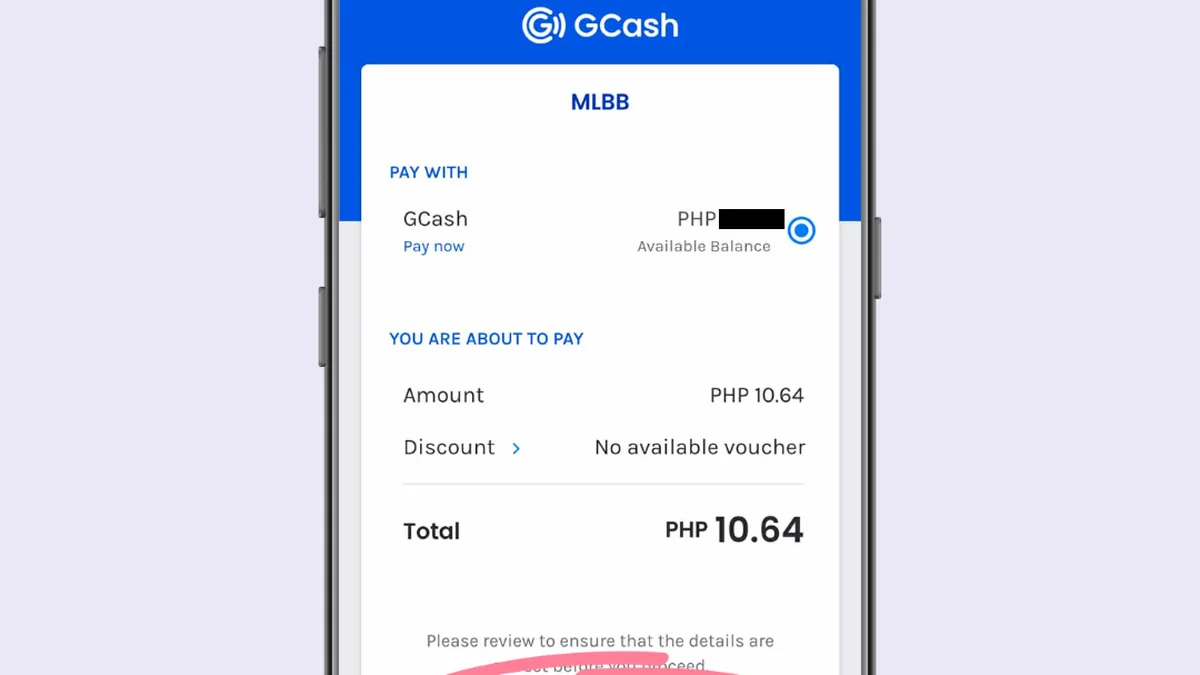
GCash e-wallet mobile transfer screen
Seeing an 'Approved' or 'Processing' GCash withdrawal bounce back into your casino wallet feels alarming, yet nearly every GCash-specific payout error comes down to wallet caps, unverified tiers, or profile name typos.
Match your exact symptom against the resolution table below before opening a support ticket.
| GCash Error Scenario | Technical Cause | Resolution Path |
|---|---|---|
| Third-Party Rejection | GCash name != KYC ID name | Withdraw strictly to your own matching GCash |
| Limit Exceeded Bounce | Standard PHP 100k/mo ceiling hit | Upgrade to GCash Plus or route via Maya/Bank |
| Lost / Deactivated SIM | Old GCash number inactive | Get telco SIM replacement + submit KYC update |
| Basic Wallet Rejection | GCash account unverified | Complete GCash app eKYC selfie & ID first |
How Do You Fix a GCash Name Mismatch After Depositing?
If your casino profile has a typo or nickname while your GCash and PhilSys ID share your true legal name, submit your PhilSys/UMID to official Live Chat to correct your casino profile name. If you deposited using someone else's GCash, you must bind your own personal GCash via KYC.
Always check GCash's official wallet documentation profile spelling before registering new portals.
What Should You Do If You Hit the PHP 100,000 Monthly GCash Ceiling?
Check GCash > Profile > Wallet Limits. If incoming or outgoing totals hit PHP 100,000, upgrade inside GCash to GCash Plus (PHP 500k tier) or contact support to route remaining balance to your verified personal bank account.
Bank transfers governed under the Bangko Sentral ng Pilipinas payment oversight portal clear within 1 to 3 business days without e-wallet caps.
How Do You Update a Lost or Expired SIM Linked to GCash?
Visit your telco store (Globe/Smart) with your SIM-registration ID to retain your original 09xx number—or submit an official wallet-change request with fresh KYC selfies and affidavit/proof to casino support.
Switching payout phone numbers triggers heightened anti-fraud review taking 24–72 hours.
Step-by-Step GCash Payout Error Checklist
Clear GCash-side holds in five steps.
- 01Open GCash > Profile and confirm Verified badge + remaining monthly limit.
- 02Compare exact spelling of your GCash full name against your casino KYC ID.
- 03Confirm active bonus rollover and 1x AML deposit turnover are 100% done.
- 04Avoid submitting partial split cashouts while an existing ticket sits open.
- 05Send KYC ID + GCash Profile screenshot to in-lobby Live Chat once if bounced.
Can GCash Maintenance Delay Approved Withdrawals?
Yes—if GCash runs scheduled overnight or emergency API maintenance, approved disbursements queue briefly until GCash reconnects.
Keep Maya upgraded as a reliable secondary channel.
Where Can You Verify Support Channels Safely?
Reach support solely via verified in-app chat documented on Arionplay Customer Service.
Never respond to unsolicited Facebook DMs offering GCash fixes.
Re-Routing Bounced GCash Payouts via Personal Bank or Maya
When GCash rejects an approved payout due to monthly cap exhaustion, ask official support to re-route settlement to your matching-name Maya or BDO/BPI/UnionBank account after verifying ownership.
Providing a bank statement header or upgraded Maya profile screenshot under your exact KYC name resolves cap-blocked cashouts cleanly.
Documenting Telco SIM Replacements for Wallet Ownership Updates
If a prepaid SIM linked to GCash is lost or damaged, request a same-number replacement at your Globe or Smart store first so your registered payout phone number never needs manual compliance re-binding.
Keeping your primary SIM registered under national SIM laws simplifies wallet recovery dramatically.
Keeping Backup Verified Maya Rails Active for Cap Overflow
Maintaining both GCash and Maya under identical KYC details ensures mid-month PHP 100k GCash limits never trap approved winnings indefinitely.
Verify closed-loop deposit alignment with support before switching payout rails.
Never pay any external agent claiming they can bypass GCash caps or release stuck withdrawals for a fee.
Responsible Gaming Safeguards for Filipino Players (21+)
Philippine law and PAGCOR rules strictly bar anyone under 21 years old from real-money play. Treat bankroll caps and session timers as practical budget tools rather than afterthoughts.
Before depositing PHP 100 or more, lock your daily and weekly spending limits inside the cashier dashboard. Under regulatory rules, requests to raise deposit caps face a mandatory 24-hour cooling-off delay before taking effect.
If entertainment turns stressful, self-exclusion requests take effect within 24 hours and apply across all access points including mobile app logins and web mirrors. Free confidential support is available from the National Council on Problem Gambling Philippines, Gamblers Anonymous Philippines, and the PAGCOR Responsible Gaming Helpline. Explore support steps inside our Philippine Responsible Gaming Guide.
Final Cautious Assessment & Next Steps
Review the drawbacks alongside the verified metrics before committing your bankroll. Confirm your identity early via PhilSys or UMID, keep deposits inside a fixed PHP budget, and test mechanics in low-stake or demo lobbies first. Invite your friends to register and play and get a chance to earn bonuses of up to ₱50,000.00 when onboarding through the verified portal. Eligible active accounts can also get a chance to win up to ₱100,000.00 plus unlock exclusive Mystery Chests during scheduled promotional windows.
Frequently Asked Questions
Why did my GCash withdrawal fail today?
Check if your GCash hit its PHP 100,000 monthly cap, remains on Basic tier, or differs in legal name from your casino KYC.
How do I unlink my old GCash from a casino account?
Message official live chat with your PhilSys/UMID KYC and proof of new wallet ownership.
Can I withdraw to GCash if I deposited via Maya?
Most platforms enforce closed-loop payouts back to your original funding wallet.
How do I increase my GCash PHP 100,000 limit?
Inside the GCash app, follow Profile > Wallet Limits to upgrade to GCash Plus (up to PHP 500k/month).
What if GCash was under maintenance when I requested payout?
Once maintenance ends, finance retries or you can re-submit safely after bounce-back.